Polyglot
Learn multiple languages
Study several languages side by side, at your own pace, with an on-device AI tutor.
- Status
- Live
- Version
- 1.2
- Category
- Learning
- Works on
- iPhone, iPad, iPhone Duo, Mac, Apple Vision
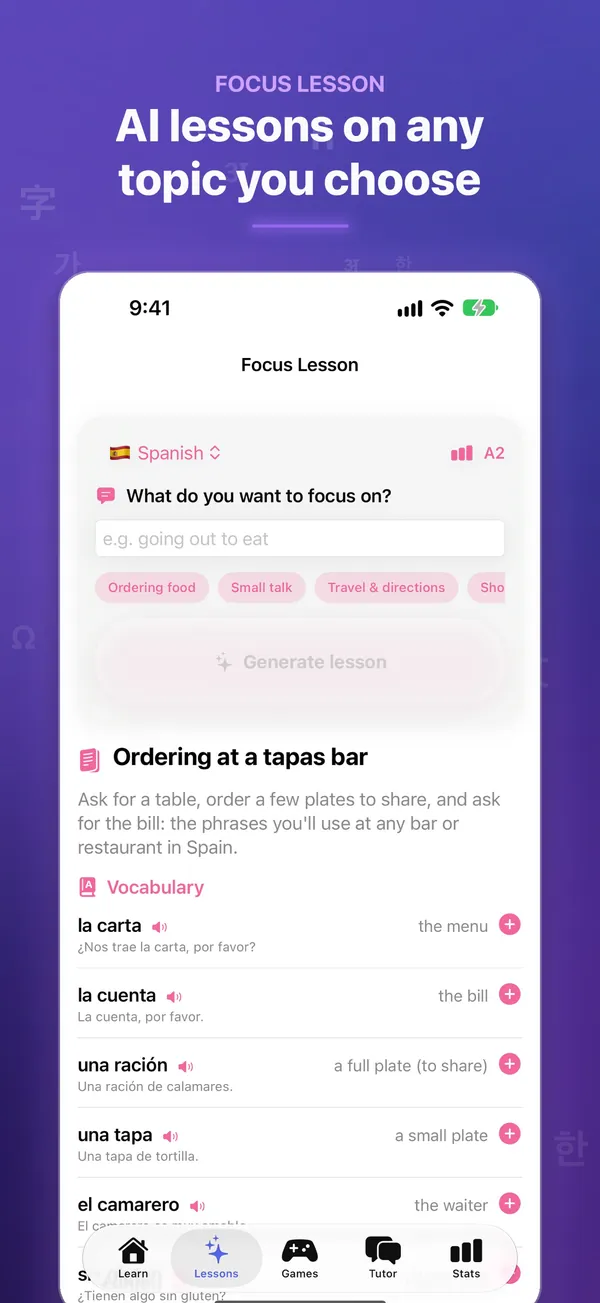
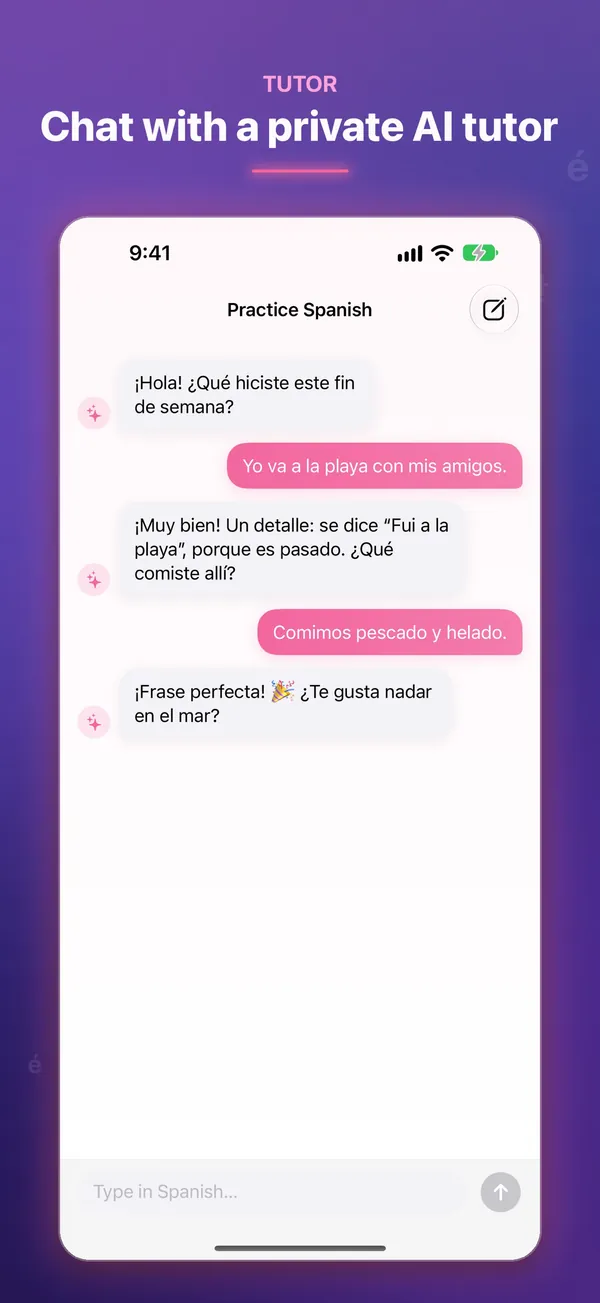
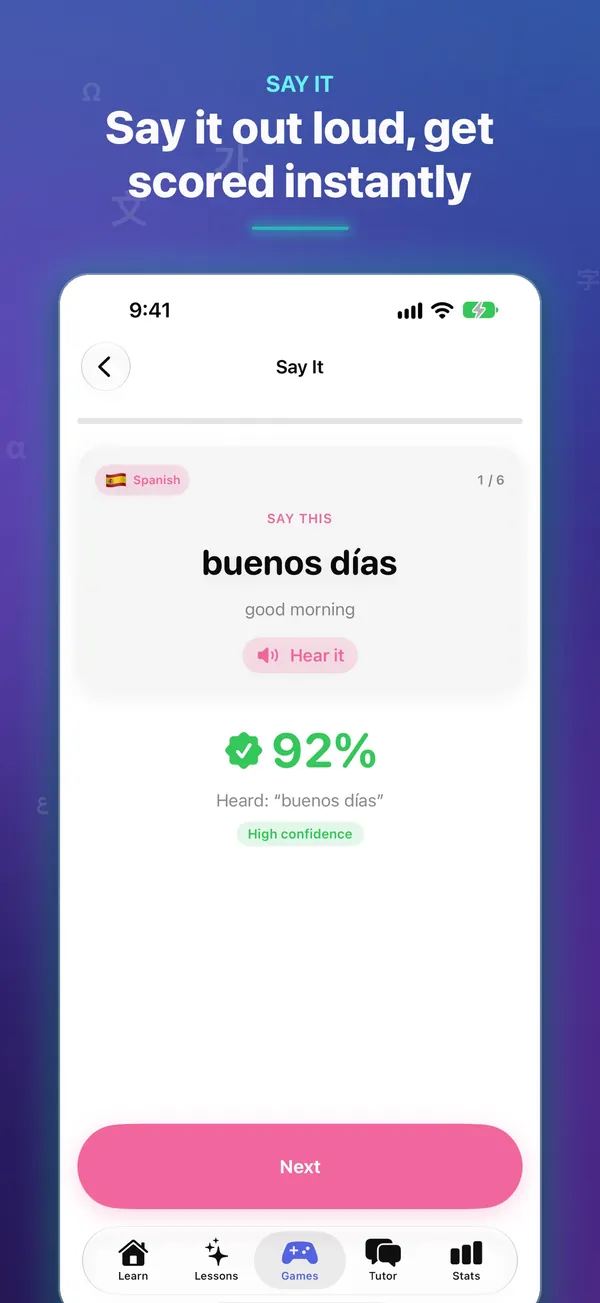
Why you'll like it
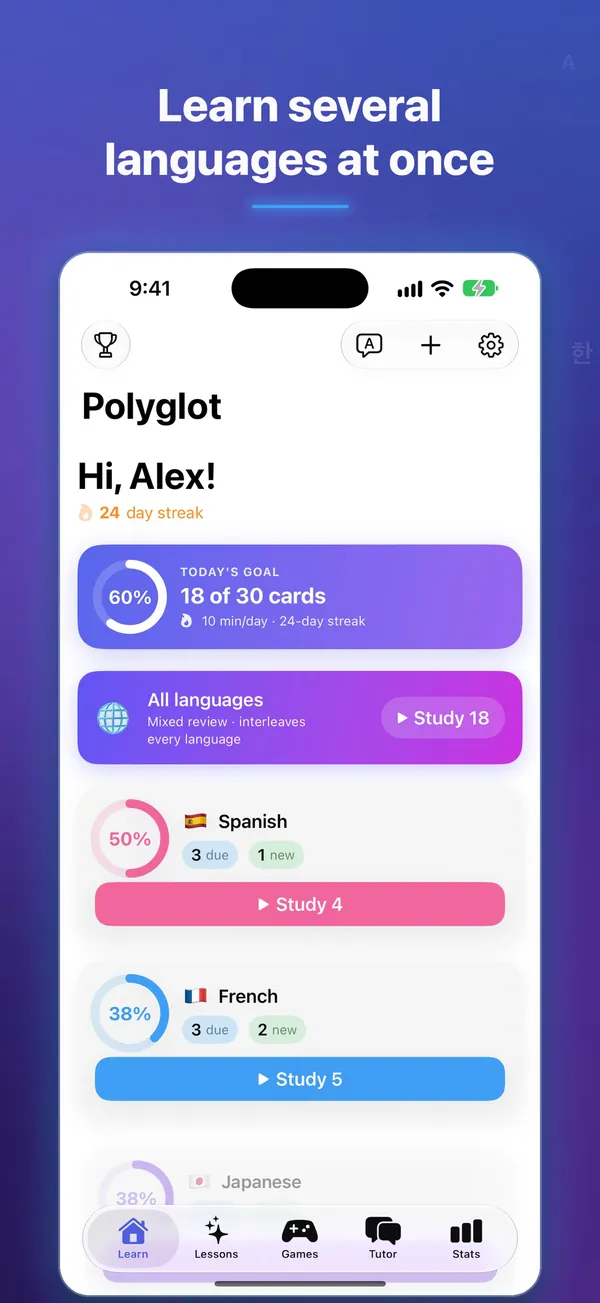
Multiple languages, one app
Study several languages side by side without switching apps.
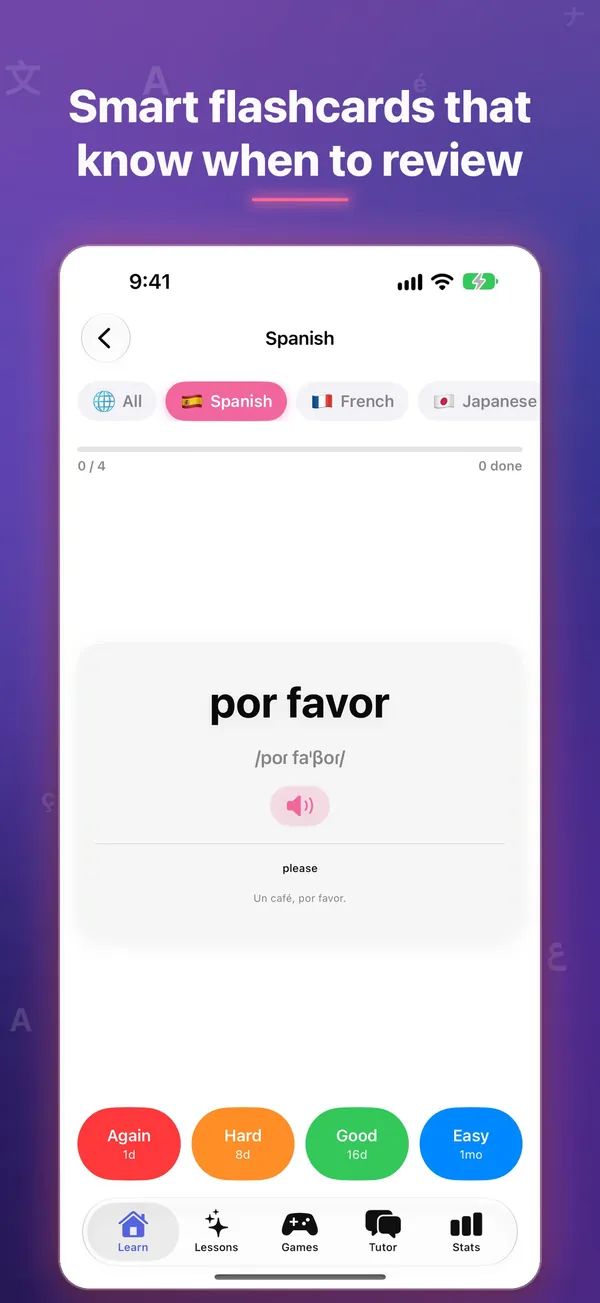
Spaced flashcard review
Bite-sized sessions that bring words back right before you'd forget them.
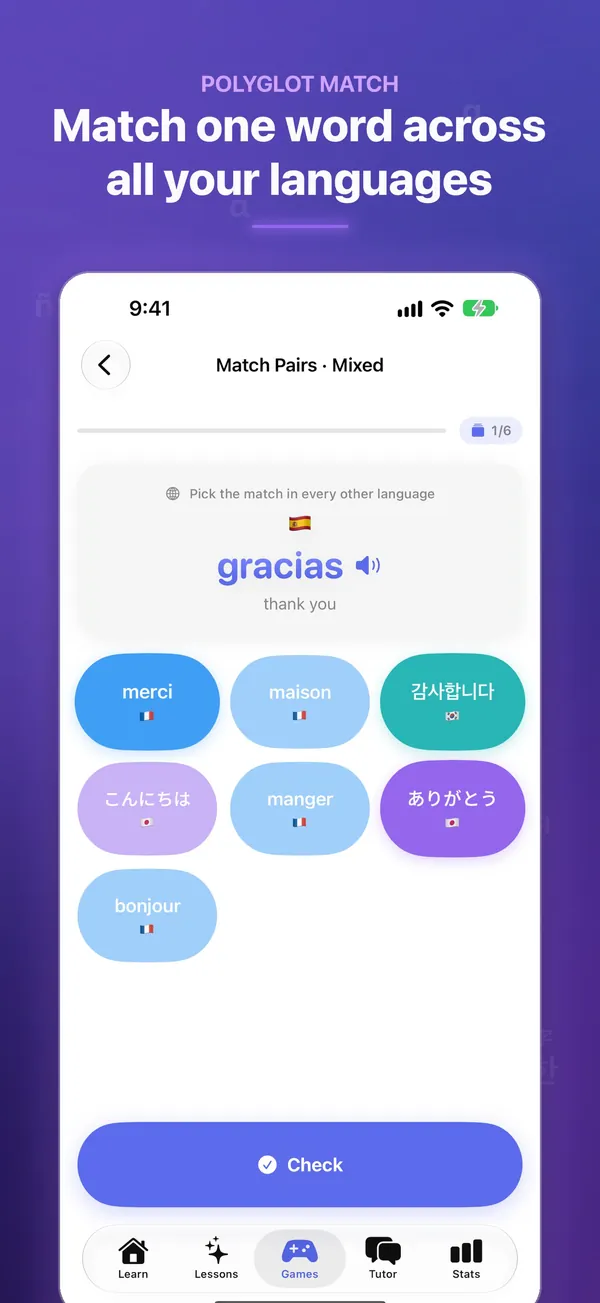
Seven practice games
Match, fill the blank, build sentences, listen, speak and practice handwriting between review sessions.
The details
What's inside, where it runs, and what happens to your data.
Features
- Study multiple languages in one app
- Spaced, bite-sized review sessions
- Quick Translate and Add Word save anything as a flashcard in seconds
- Choose your on-device AI: Apple Intelligence or a downloadable model
- The app itself speaks 16 languages
- Progress tracking per language
- Made for iPhone Duo: flashcards open like a textbook, and tabletop mode gives hands-free speaking drills
- Siri, Shortcuts and widgets, including a control to start a review
Works on
- iPhone
- iPad
- iPhone Duo
- Mac
- Apple Vision
Privacy
No account required to start studying. Read the full privacy policy.
Questions
Something else? Ask Daniel directly. Every note gets read.
Is Polyglot free?
Yes, Polyglot is free to download, with no account required to start studying and no subscription wall.
Can I study more than one language?
Yes, Polyglot is built to let you study multiple languages side by side, with progress tracked per language.
Where can I use Polyglot?
Polyglot runs on iPhone, iPad, Mac and Apple Vision, and is made for iPhone Duo.



Polyglot
Learn multiple languages.